No Cloud · No Account · No Breach Risk

Your serial numbers
never leave your machine.

Pew Pew Collection is a self-hosted firearm inventory app that runs entirely on your own hardware. No cloud storage, no third-party servers, no subscriptions. Your collection data stays where it belongs — with you.

⚿ Zero Cloud Storage ✓ 100% Offline Capable ✓ Docker Ready ✓ Single SQLite File ✓ GNU GPL v3 · Open Source
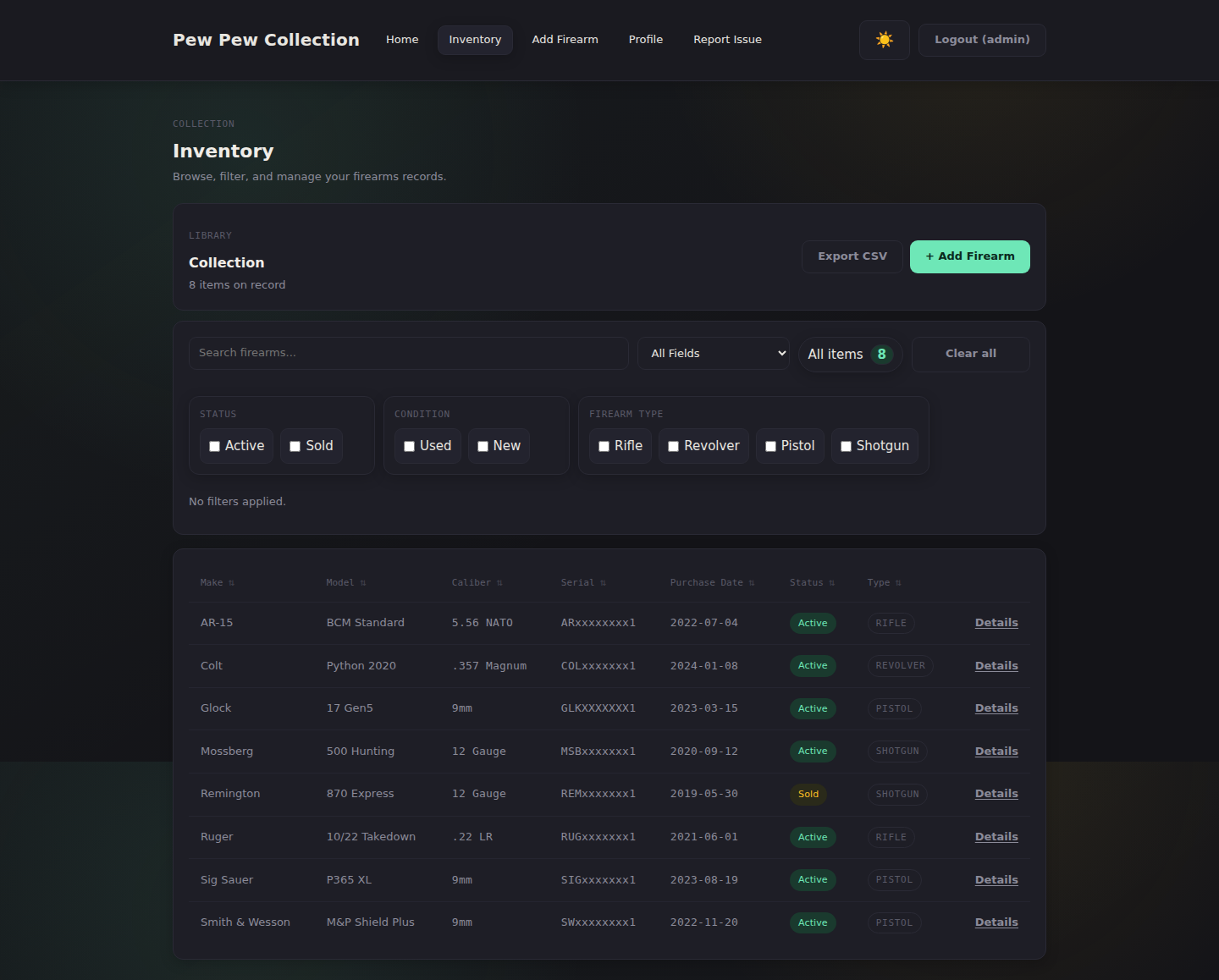
Pew Pew Collection — Inventory List View
0
Cloud Services Used
0
Accounts Required
1
Docker Command to Deploy
Firearms You Can Track

Capabilities

Everything you need.
Nothing you don't.

SECURE AUTH

Bcrypt hashed passwords, session-based auth, and a forced password change on first login. Your vault, locked tight.

FULL CATALOGING

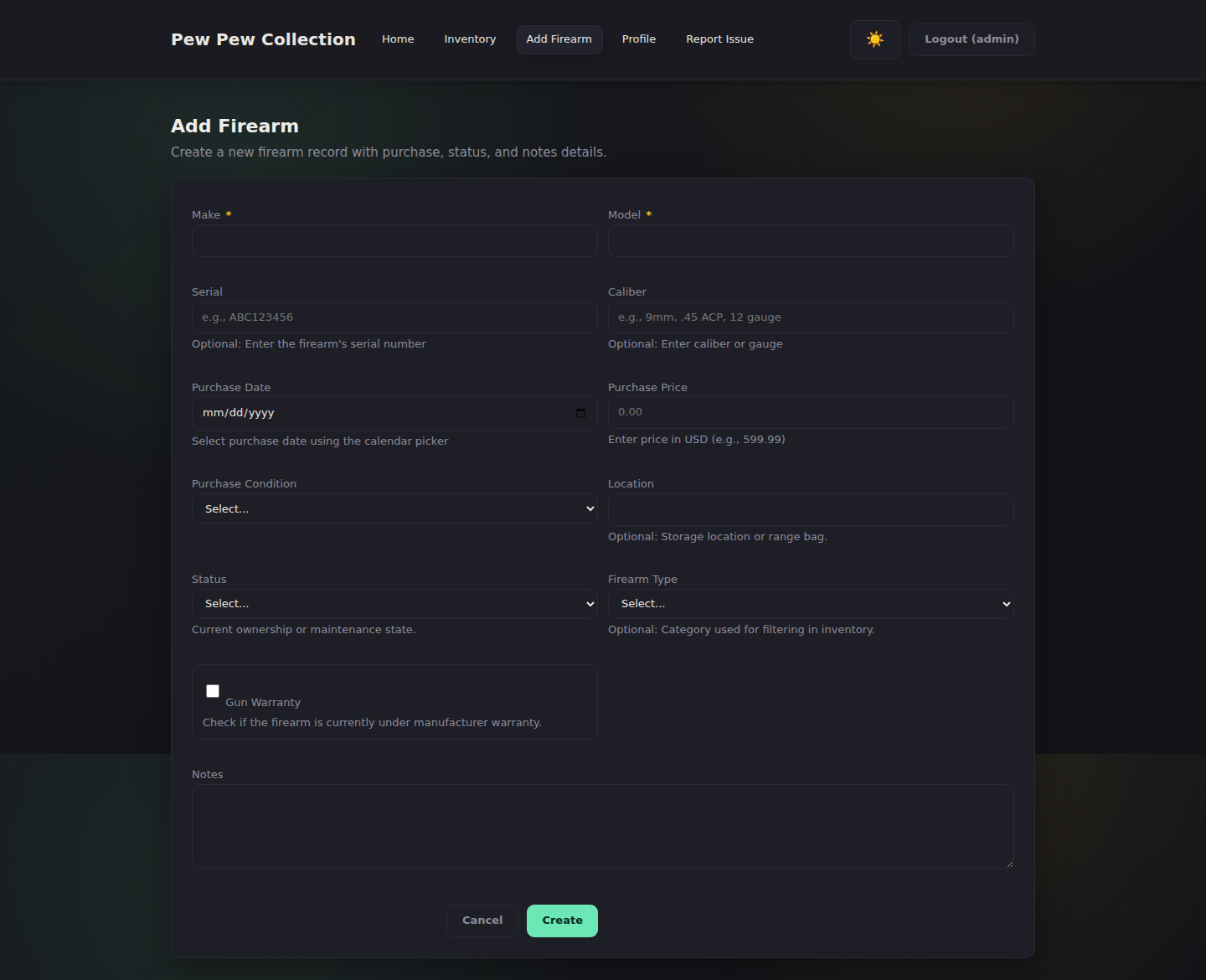
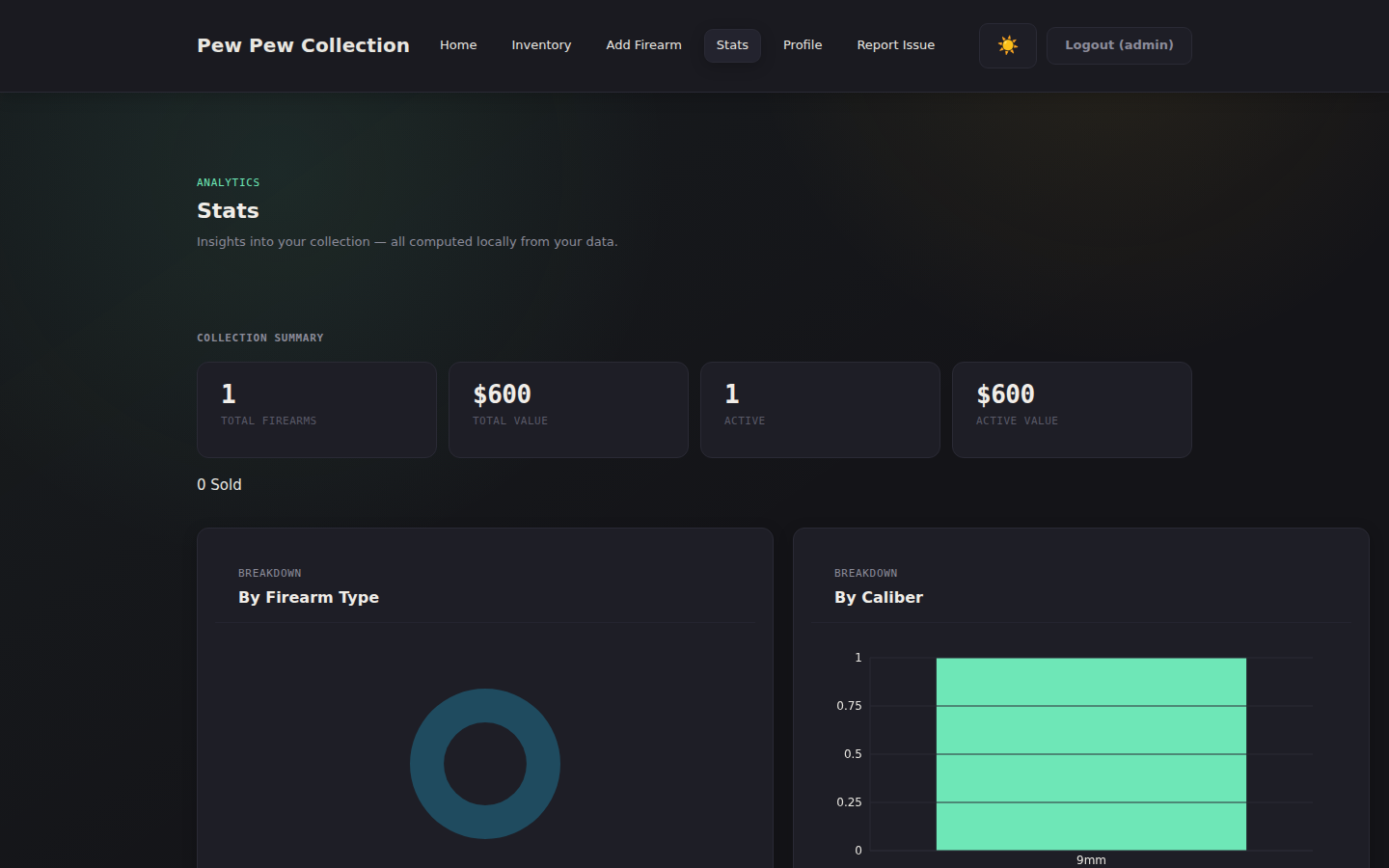
Track make, model, serial, caliber, firearm type, warranty, purchase details, storage location, and custom notes.

SEARCH & SORT

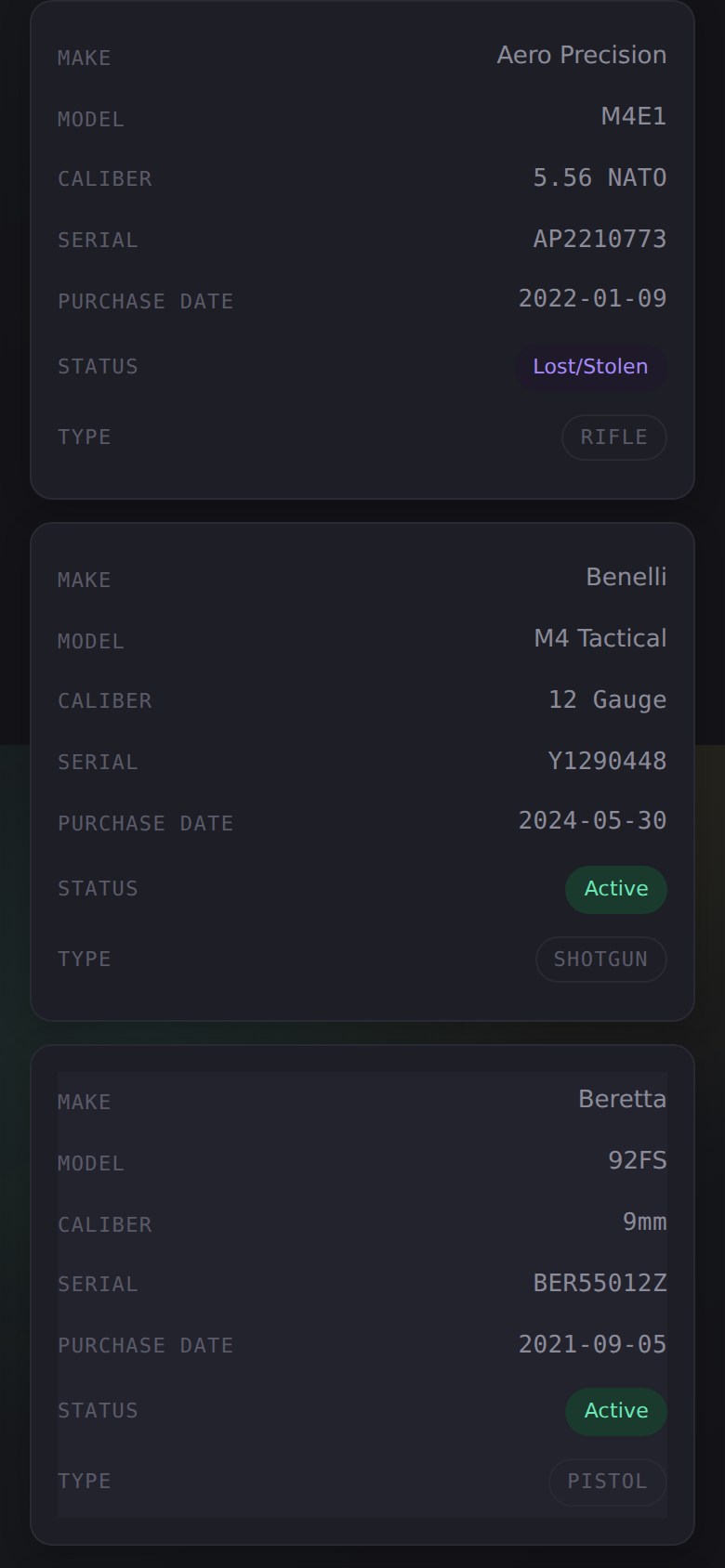
Powerful search across all fields. Click any column header to sort. Filter your inventory in seconds.

CSV EXPORT

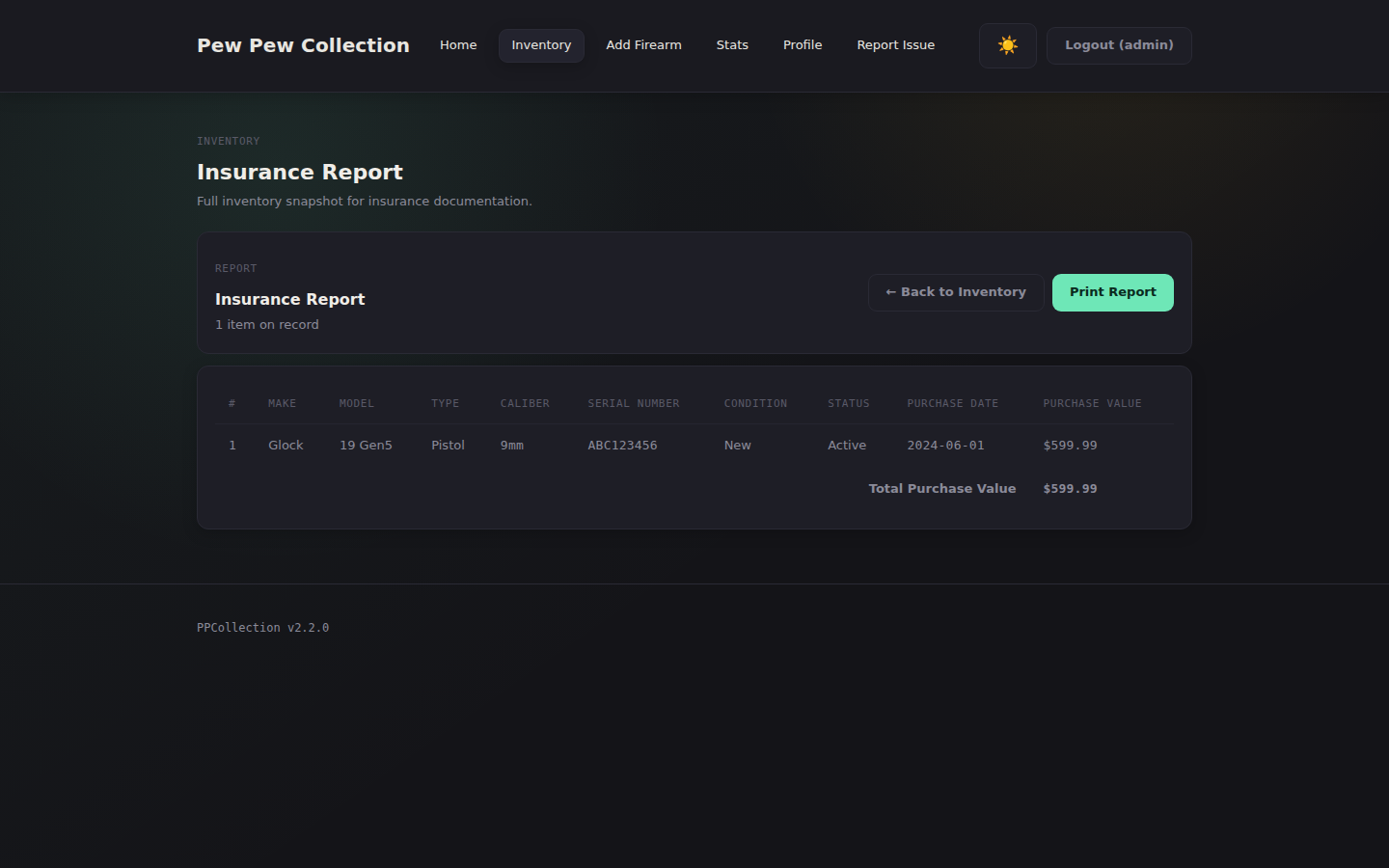
Export your entire inventory with one click. For backups, insurance, or external analysis — always your data.

FULLY OFFLINE

No internet connection ever required. No external services, no subscriptions, no telemetry. Just a local web server.

DOCKER READY

Pull the image from GHCR, spin it up with Compose, and you're running in under 60 seconds.

DARK MODE UI

A refined dark theme with a light mode toggle. Theme preference persists across sessions and devices.

SQLITE STORAGE

All data in a single portable file. Backups are a one-line cp command. Simple, reliable, yours.

In the field

Built for collectors.
Designed to disappear.

Inventory List View → INVENTORY LIST — Searchable, sortable, exportable.
Add Firearm Form → ADD FIREARM — Comprehensive detail capture.
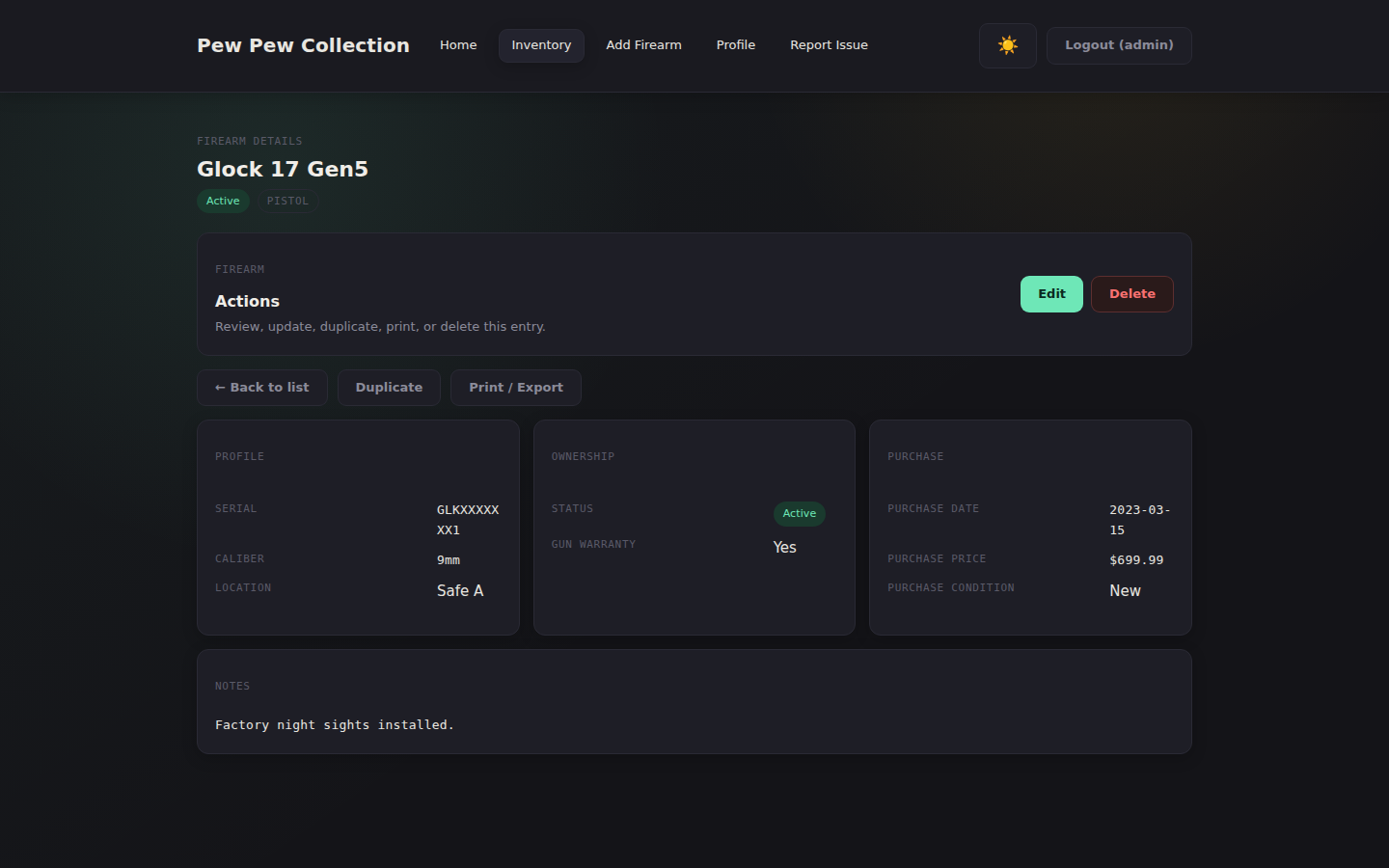
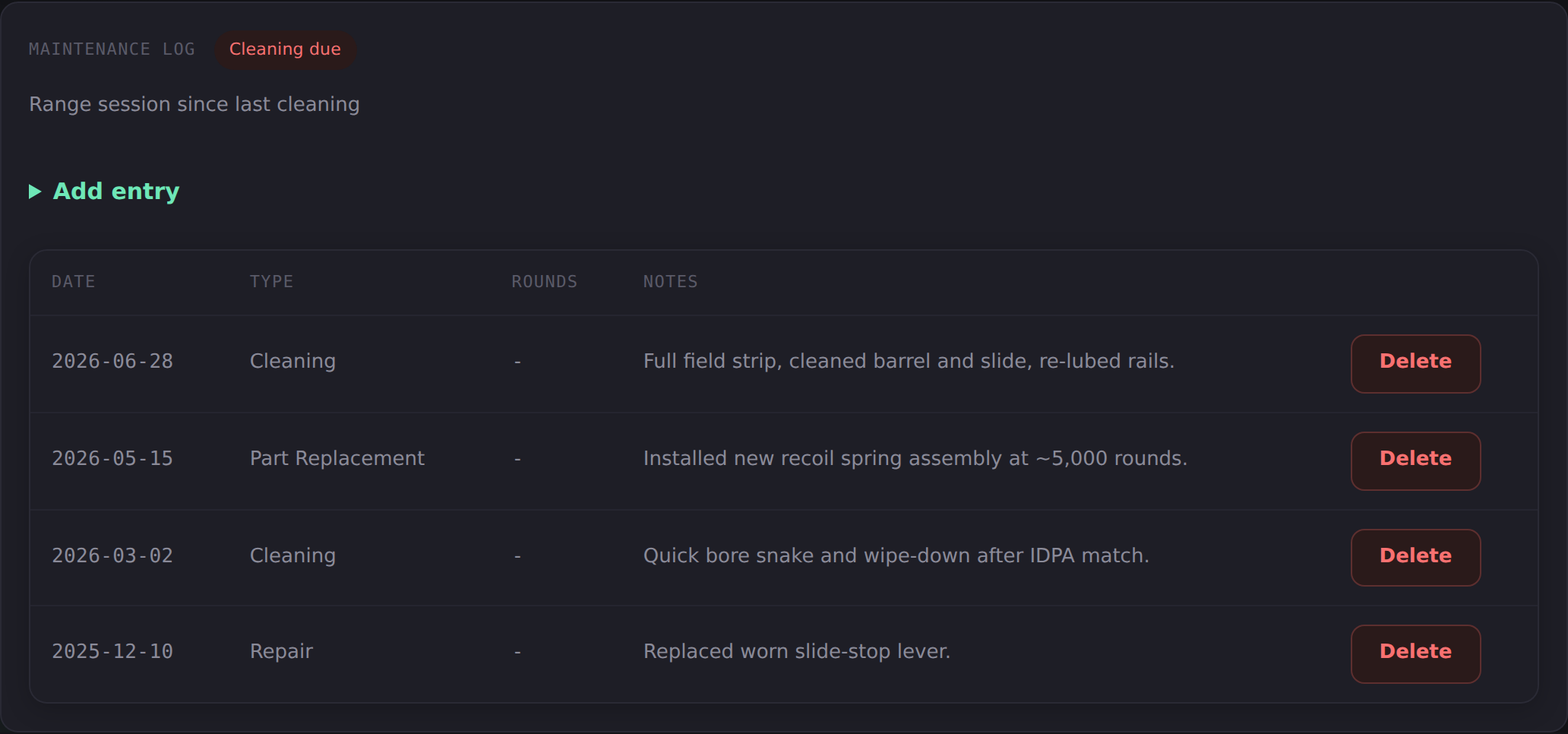
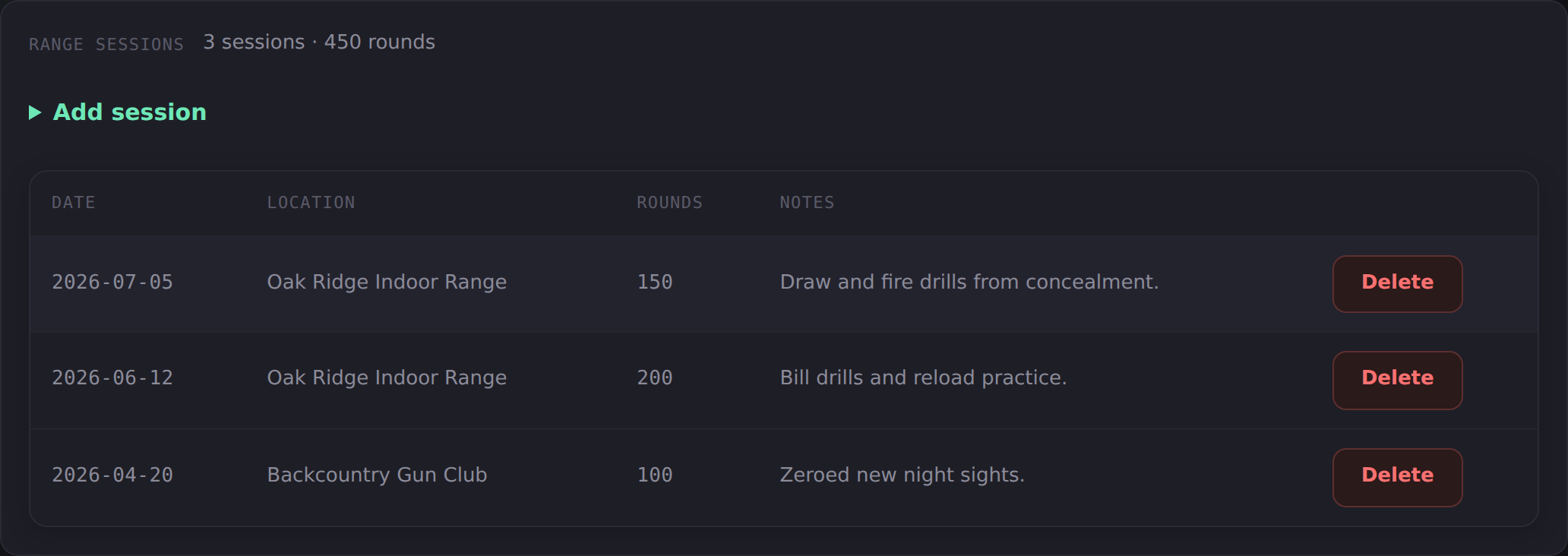
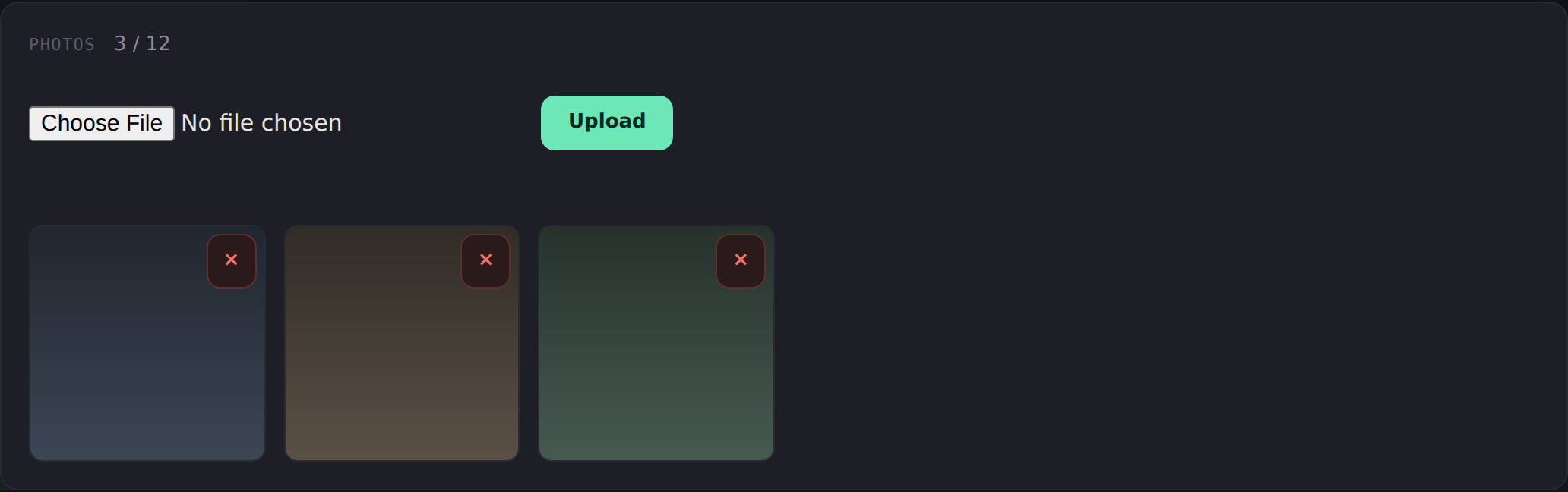
Firearm Detail View → DETAIL VIEW — Full record with edit & delete.
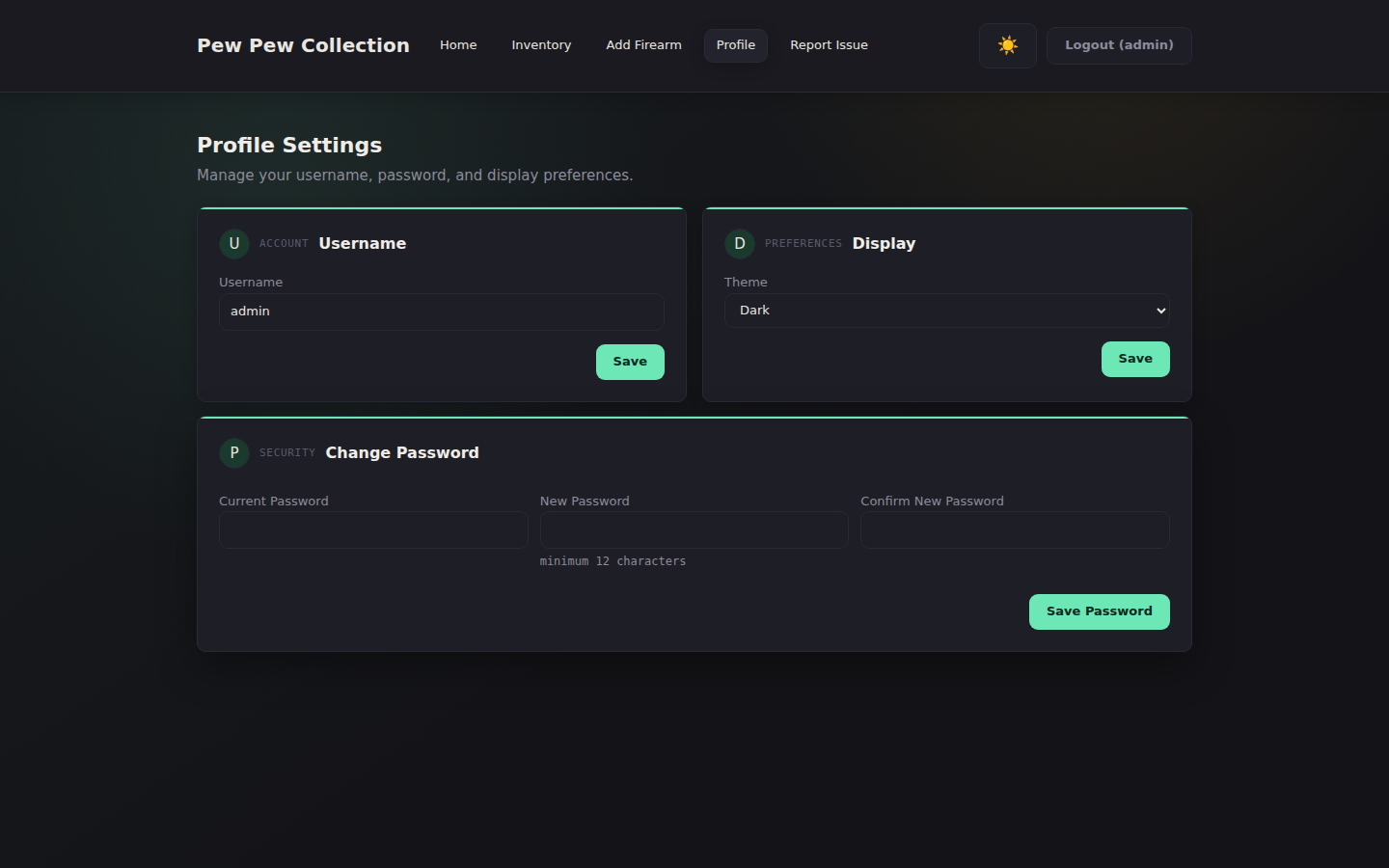
Profile Settings → PROFILE — Account, display preferences, and password management.
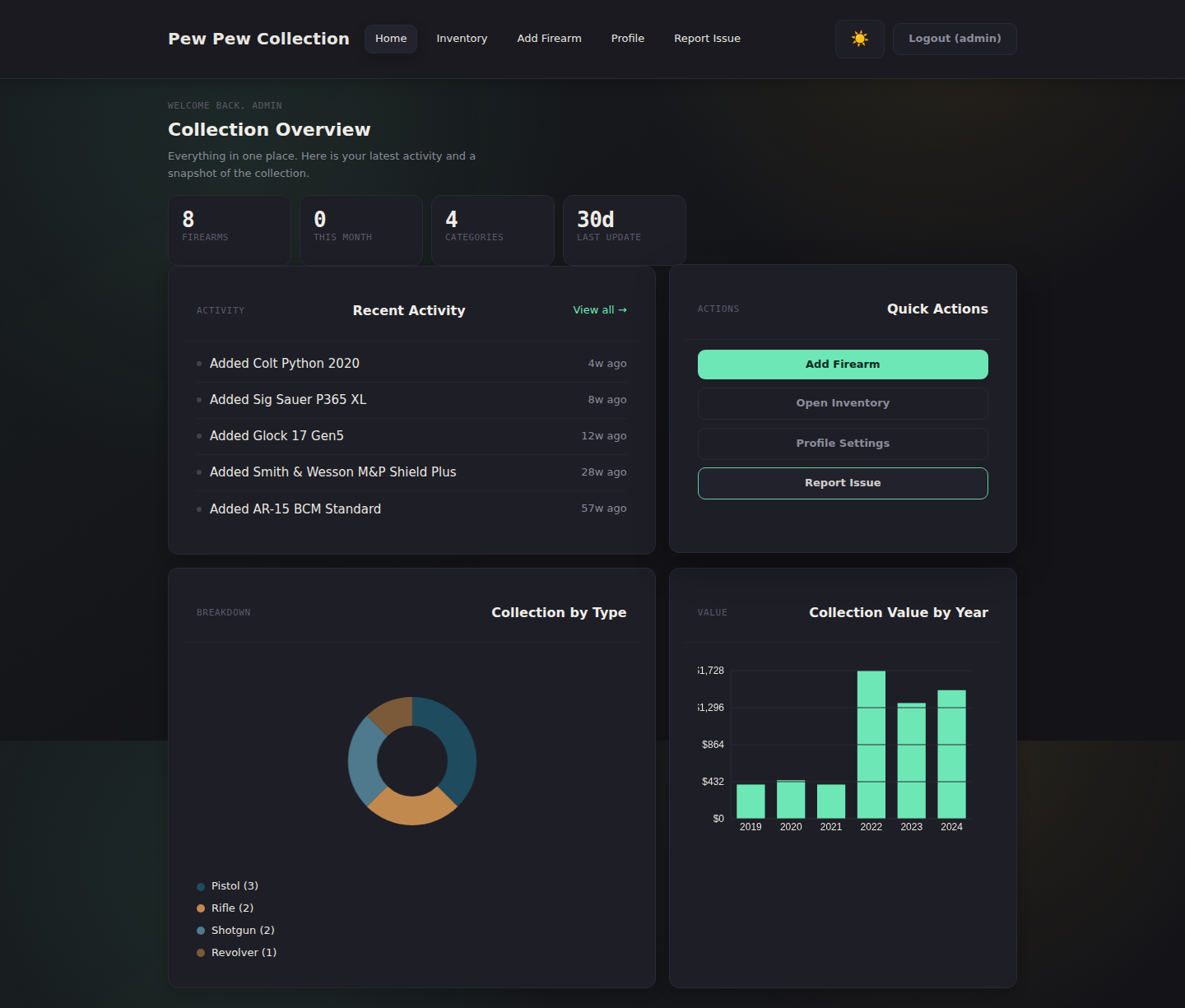
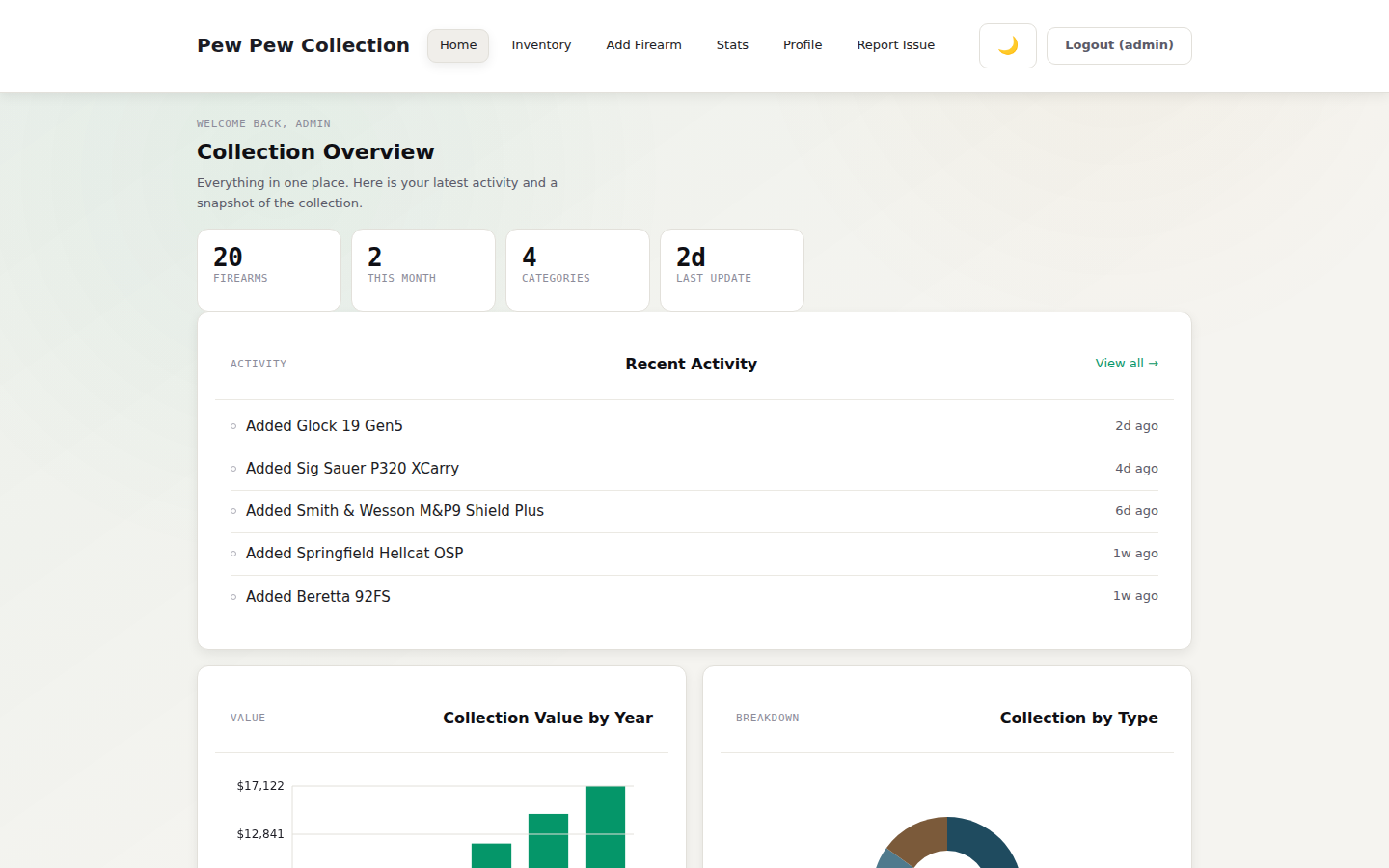
Dashboard Overview → DASHBOARD — Activity overview, charts, and quick actions.

Deploy

Up and running
in 60 seconds.

Docker Run
# Pull & run in one command
docker run -d \
  --name ppcollection \
  -p 3000:3000 \
  -v ./data:/data \
  -e SESSION_SECRET=$(openssl rand -hex 32) \
  ghcr.io/gogorichielab/ppcollection:latest
Docker Compose
services:
  ppcollection:
    image: ghcr.io/gogorichielab/ppcollection:latest
    ports:
      - "3000:3000"
    volumes:
      - ./data:/data
    environment:
      SESSION_SECRET: your_secret_here
      ADMIN_USERNAME: admin
      ADMIN_PASSWORD: changeme
    restart: unless-stopped
01

Pull the image

Run the Docker command or compose file. The image is hosted on GitHub Container Registry — no Docker Hub account required.

02

Set your secrets

Generate a strong SESSION_SECRET using openssl rand -hex 32. Set your ADMIN_USERNAME and initial password.

03

Open & secure

Navigate to http://localhost:3000. You'll be forced to change the default password before accessing the app.

04

Start cataloging

Add your first firearm. All data lives in a single app.db SQLite file — easy to back up, easy to restore.

→ Full configuration docs

Configuration

Environment variables

Variable Default Notes
SESSION_SECRET ppcollection_dev_secret Required in production — generate with openssl rand -hex 32
ADMIN_USERNAME admin Username for the single admin account
ADMIN_PASSWORD changeme Forced password change required on first login
PORT 3000 HTTP port the server listens on
DATABASE_PATH /data/app.db Path to the SQLite database file inside the container

Open Source

Built in the open.
Owned by you.

PPCollection is free, open source, and welcomes contributions. Found a bug? Have a feature idea? Pull requests are warmly received.

★ Star on GitHub ↓ Download Release 🐛 Report an Issue